Help & support
We're here to help.
A real person reads every message. Tell us what happened and which device you were on, and we'll sort it out.
Get in touch
- Privacy questions
- privacy@familyrumpus.com
- Phone
- (351) 345-9190
- Kerfuffle Labs LLC
2 Bridgeview Cir, Ste 8 #267, Tyngsborough, MA 01879
How-to guides
Show me how.
Step by step, with pictures of the screens you'll see.
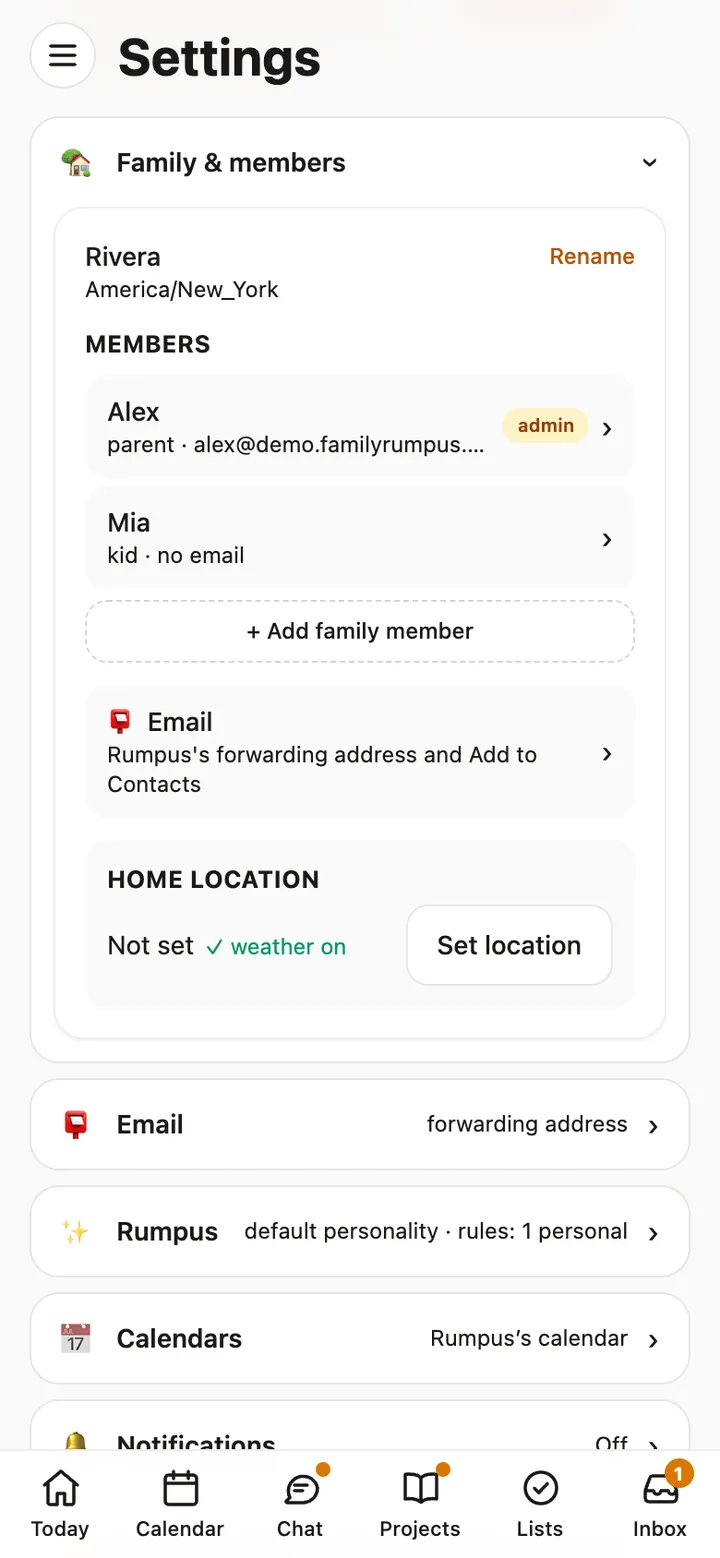
Add your family and sign kids in
Add everyone in the house, then sign a child in on their own device with a code. No email needed.
Read the guide →
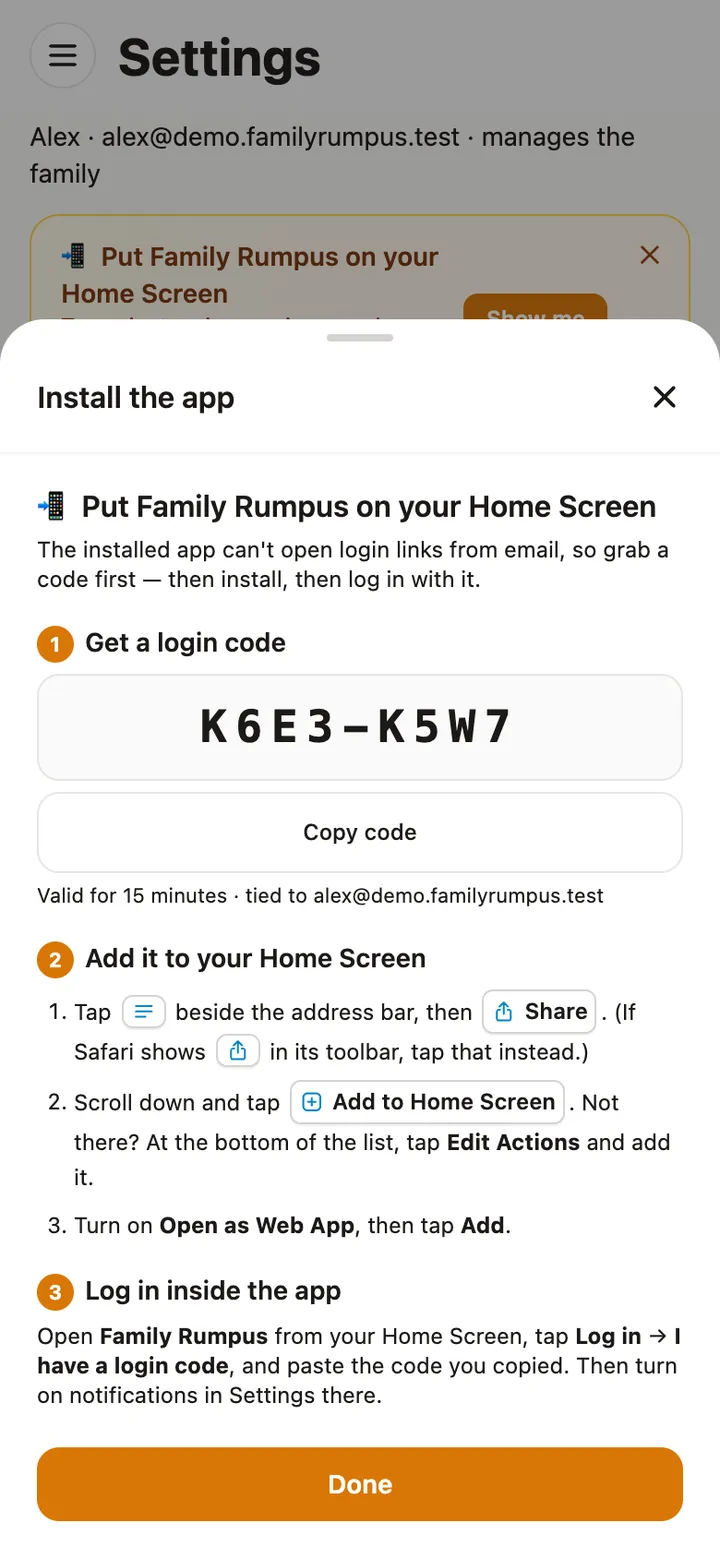
Put Rumpus on your Home Screen
Give Family Rumpus its own icon on your phone, tablet or computer, and turn on notifications.
Read the guide →
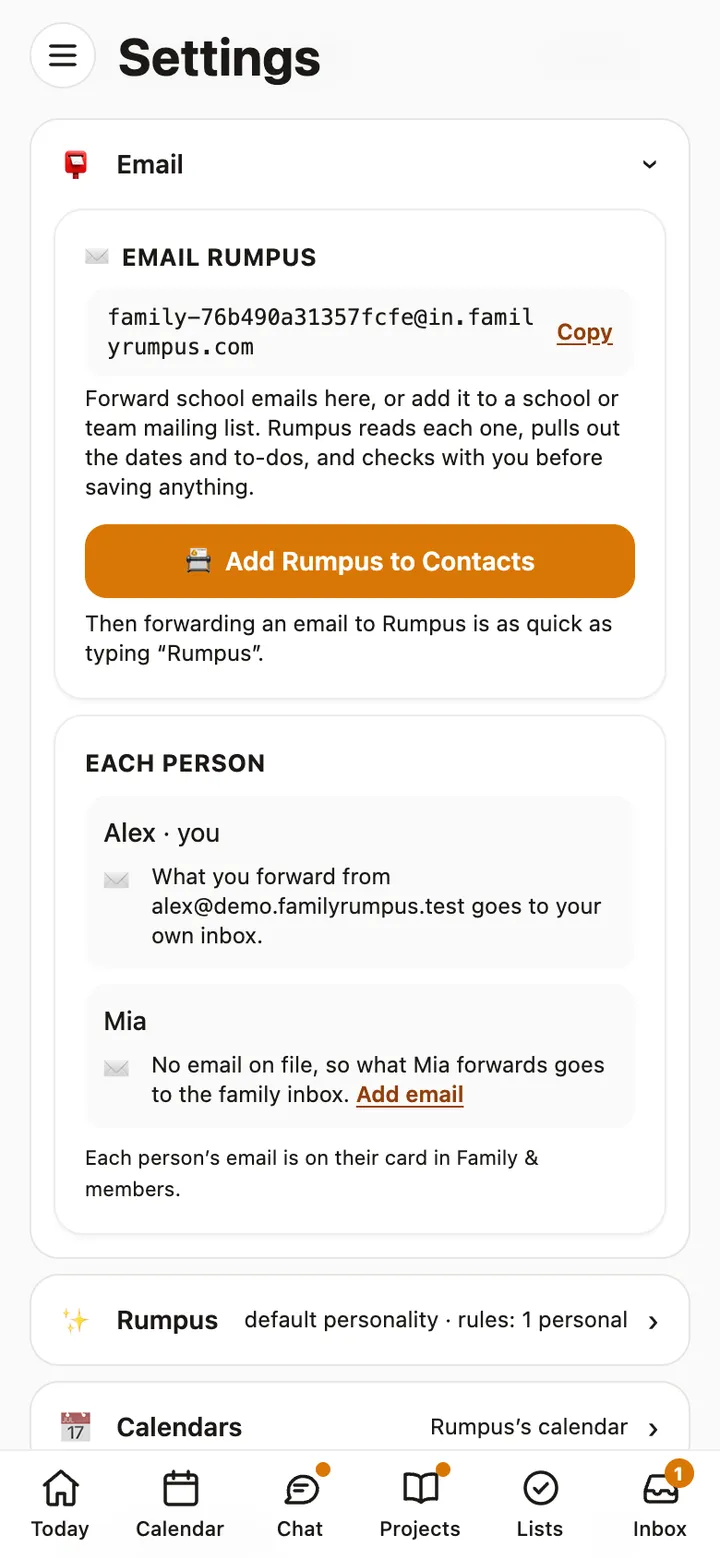
Forward school emails
Your family has its own address. Rumpus reads what the school sends, finds the dates and to-dos, and asks you before adding them.
Read the guide →
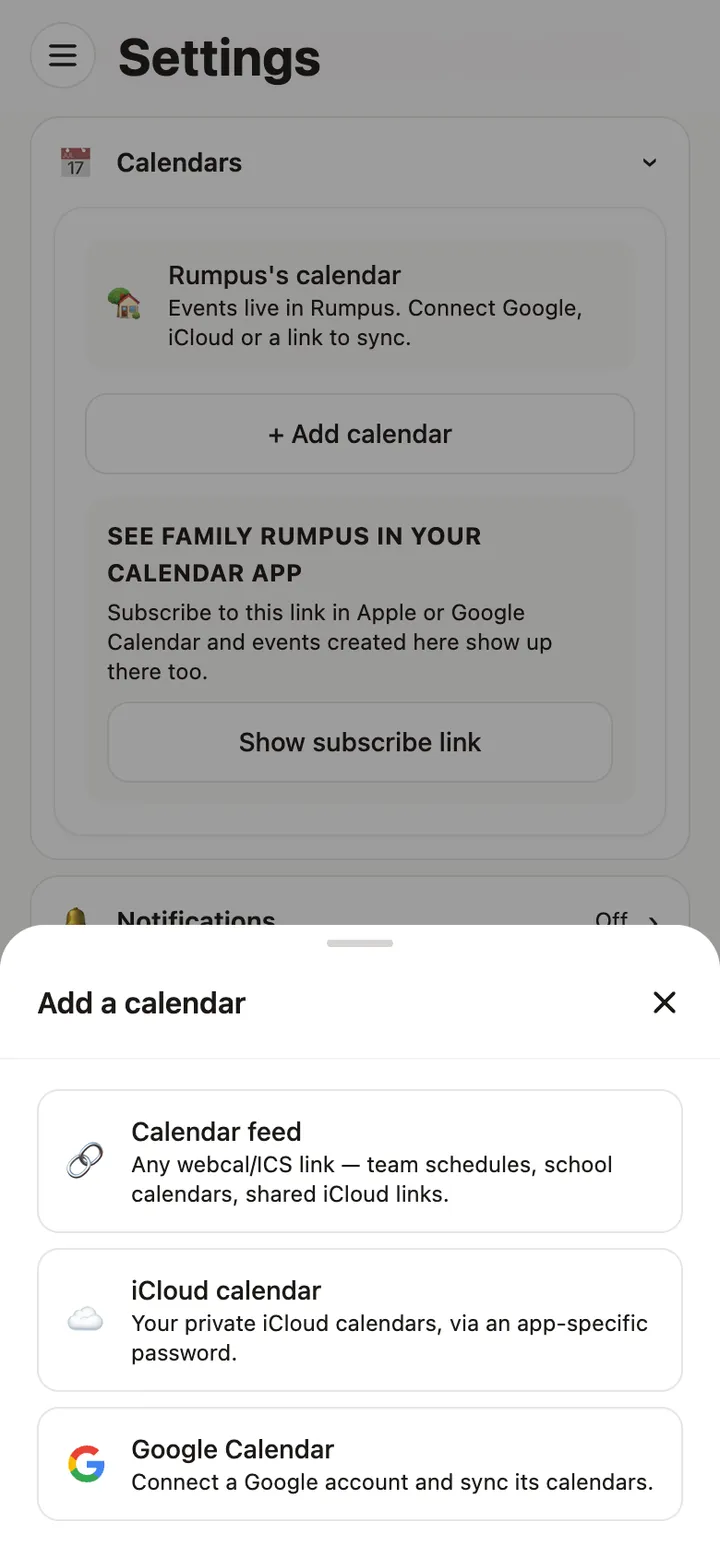
Connect your calendars
Bring Google, iCloud and school or team calendars into one family calendar, and see it in your phone’s calendar app.
Read the guide →
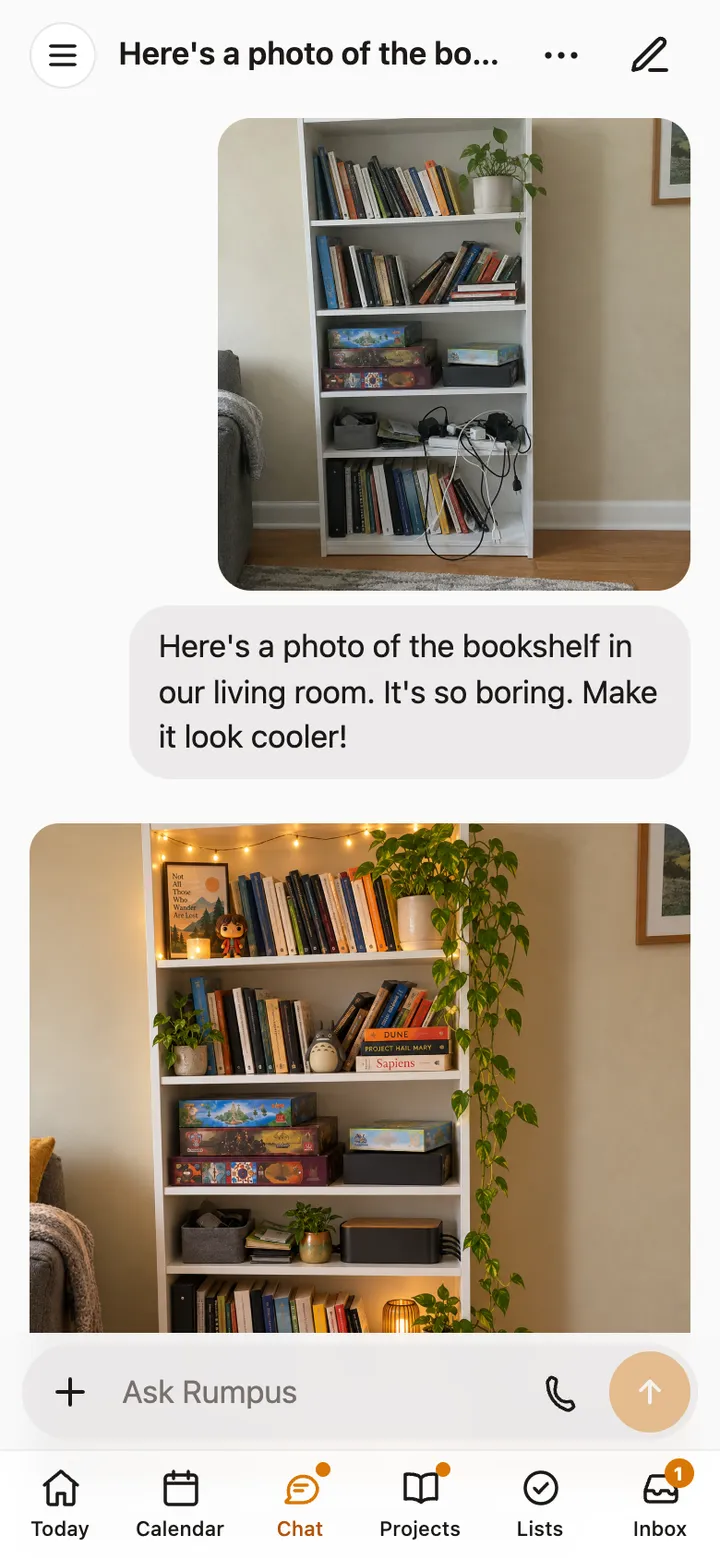
Send photos and PDFs in chat
Show Rumpus a flyer, a lunch menu, a worksheet or a room, and say what you’d like done with it.
Read the guide →
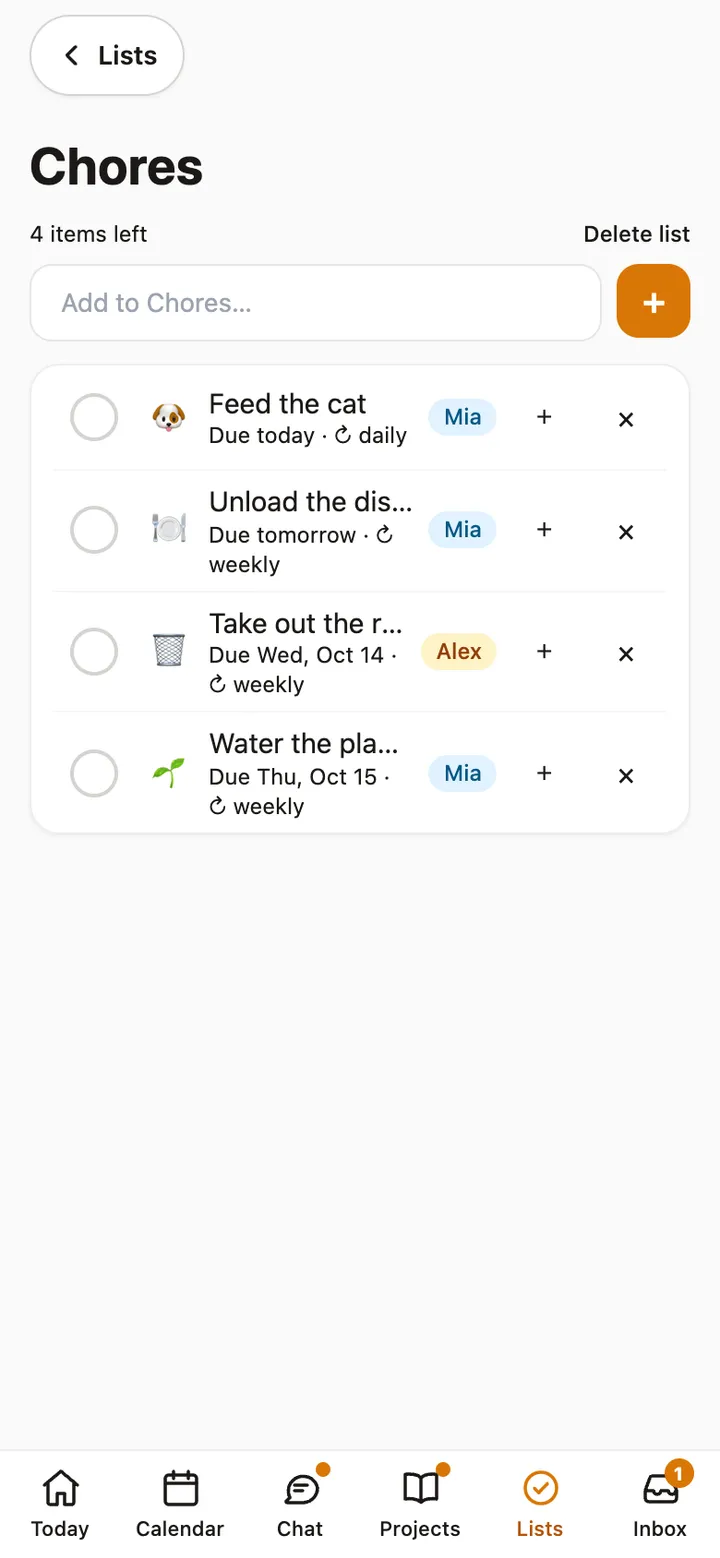
Lists, chores and to-dos
Shared lists for the house, chores that repeat, and swapping who does one just this once.
Read the guide →
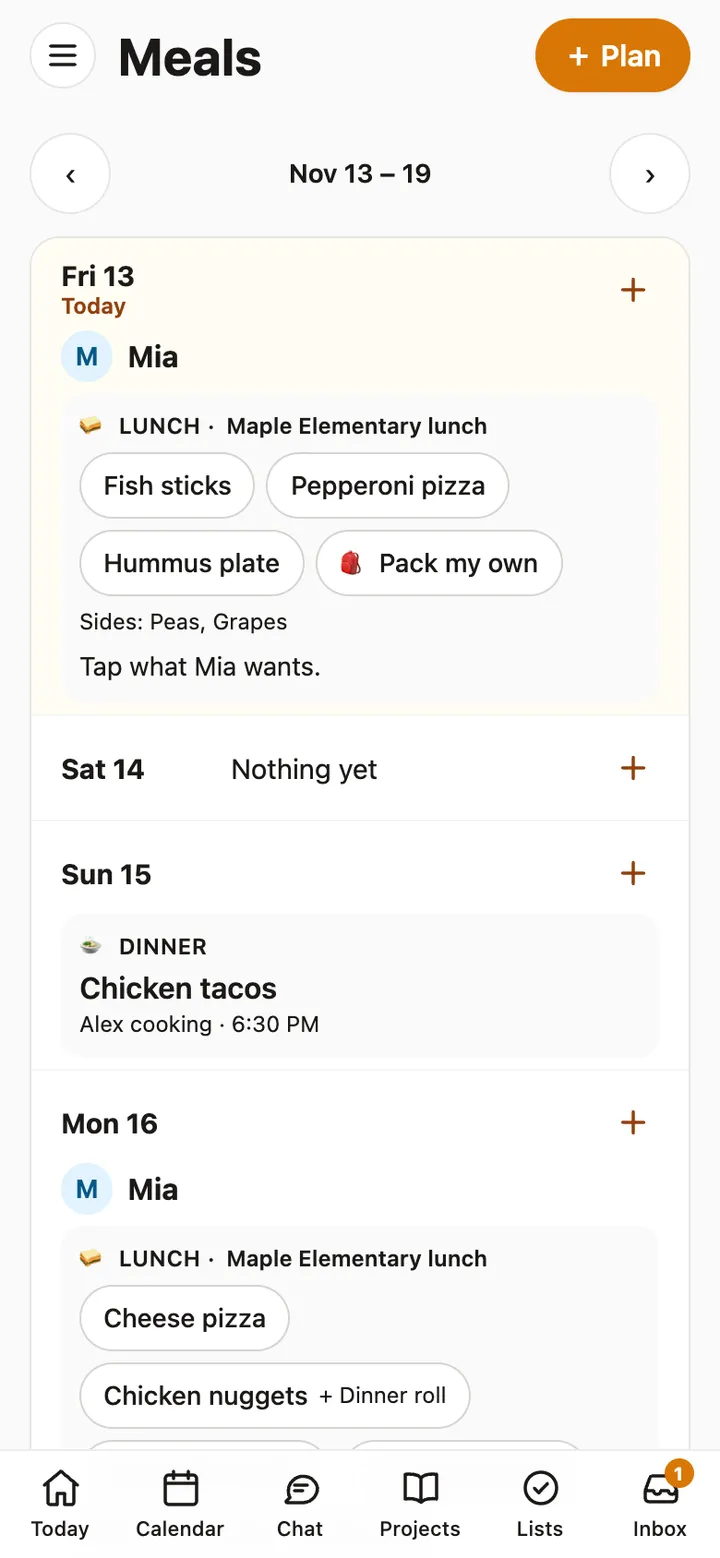
Meals and school lunches
Plan the week’s dinners, keep the school lunch menu in one place, and let kids pick what they’ll have.
Read the guide →
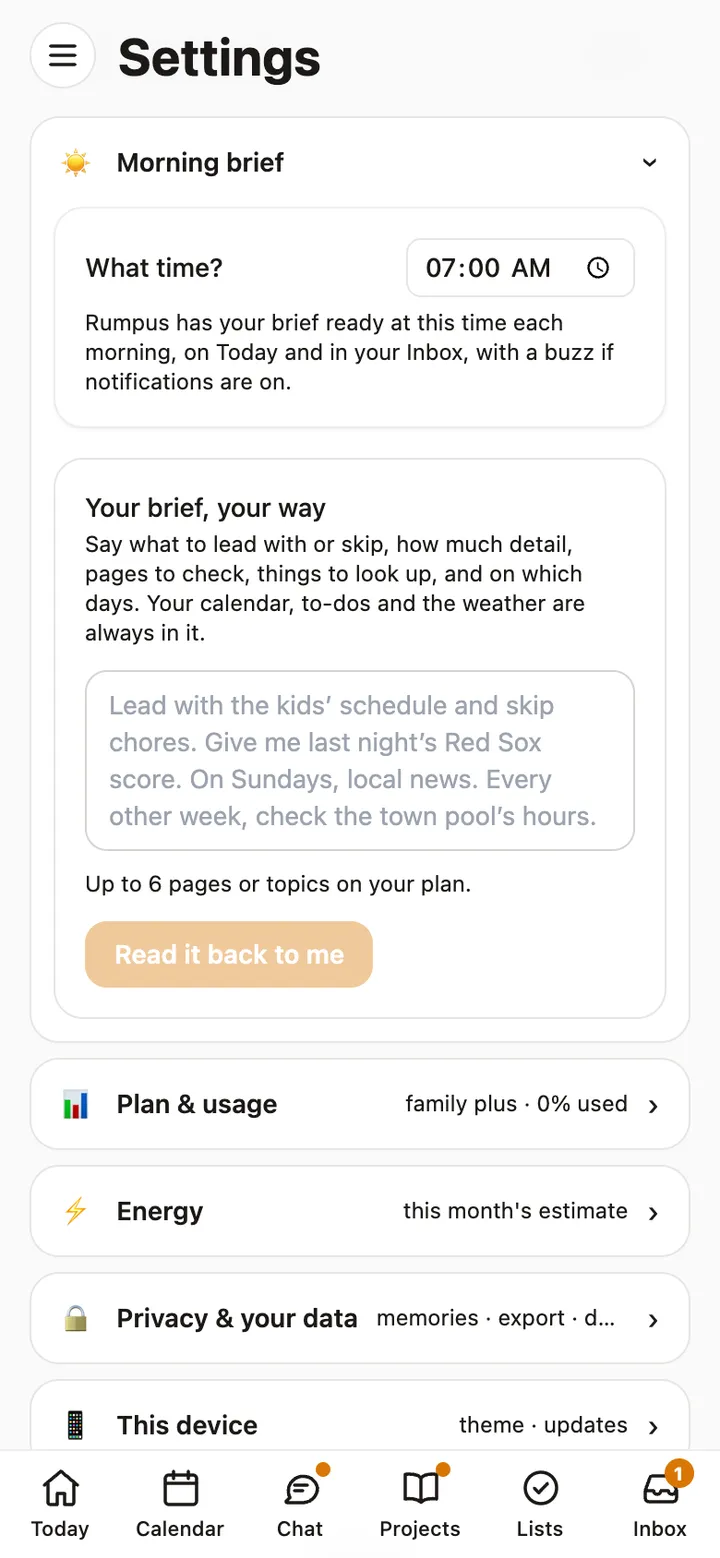
Your morning brief
A note each morning about the day ahead: the calendar, to-dos and weather, plus whatever else you ask for.
Read the guide →
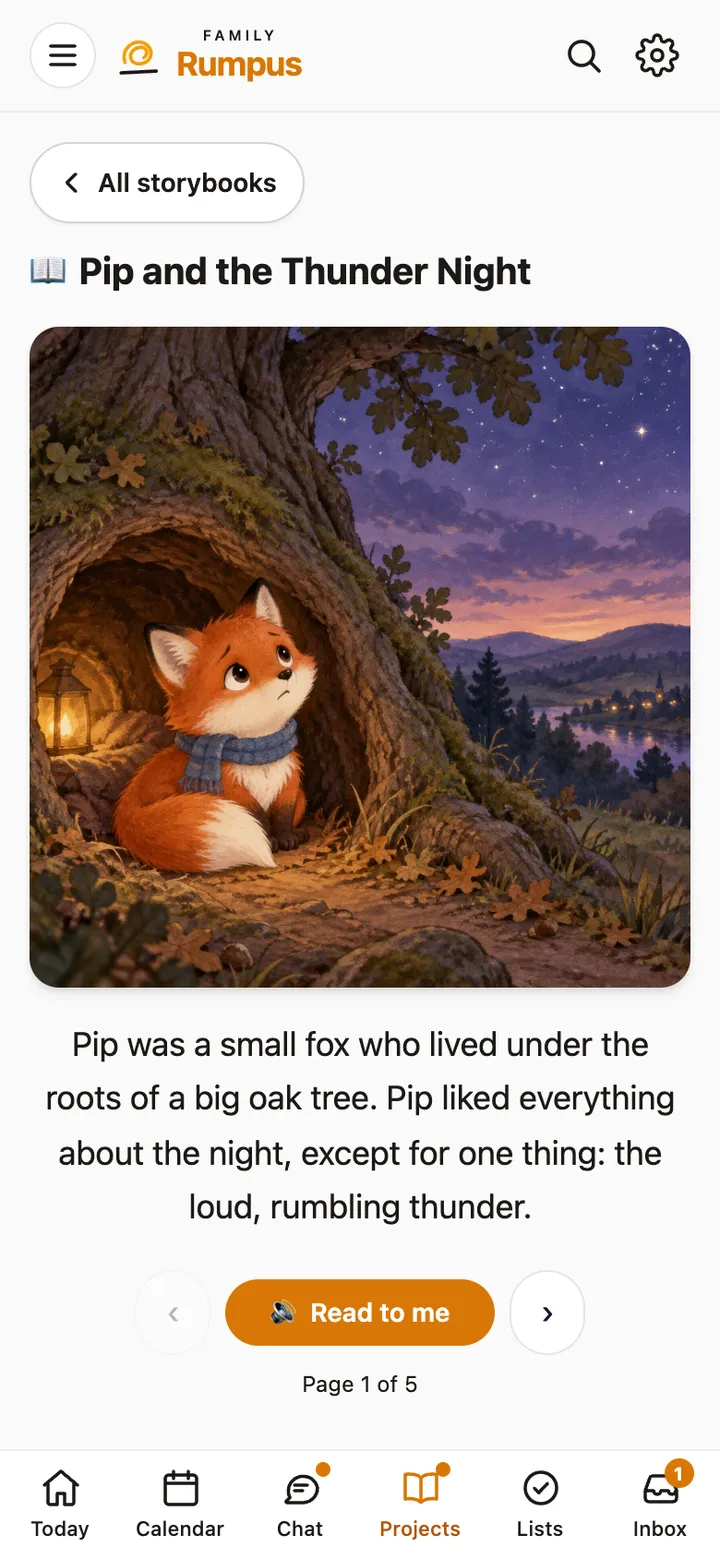
Projects and storybooks
Keep research, plans and mood boards together, and make illustrated storybooks that read themselves aloud.
Read the guide →
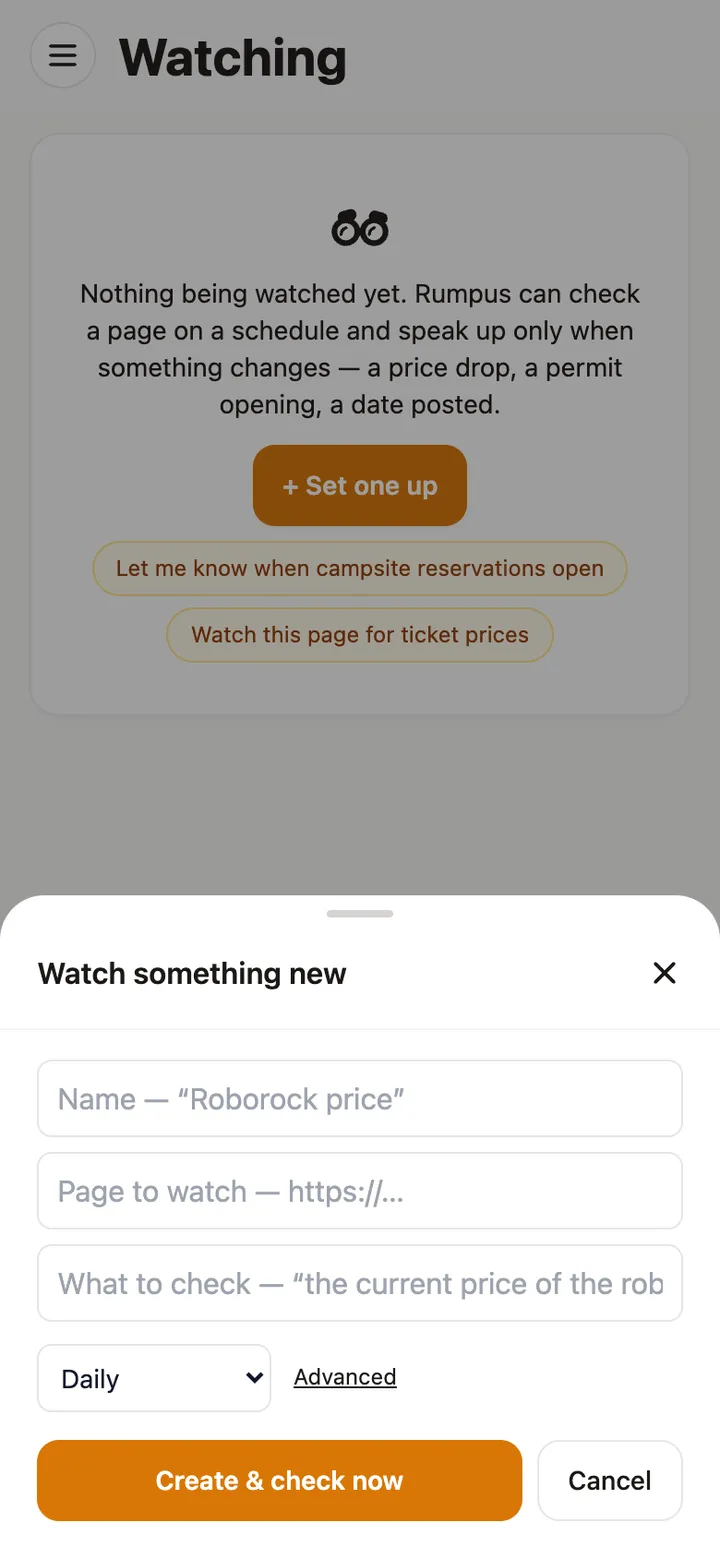
Watch a page for changes
Rumpus checks a page on a schedule and speaks up only when something changes: a price drop, a permit opening, a date posted.
Read the guide →
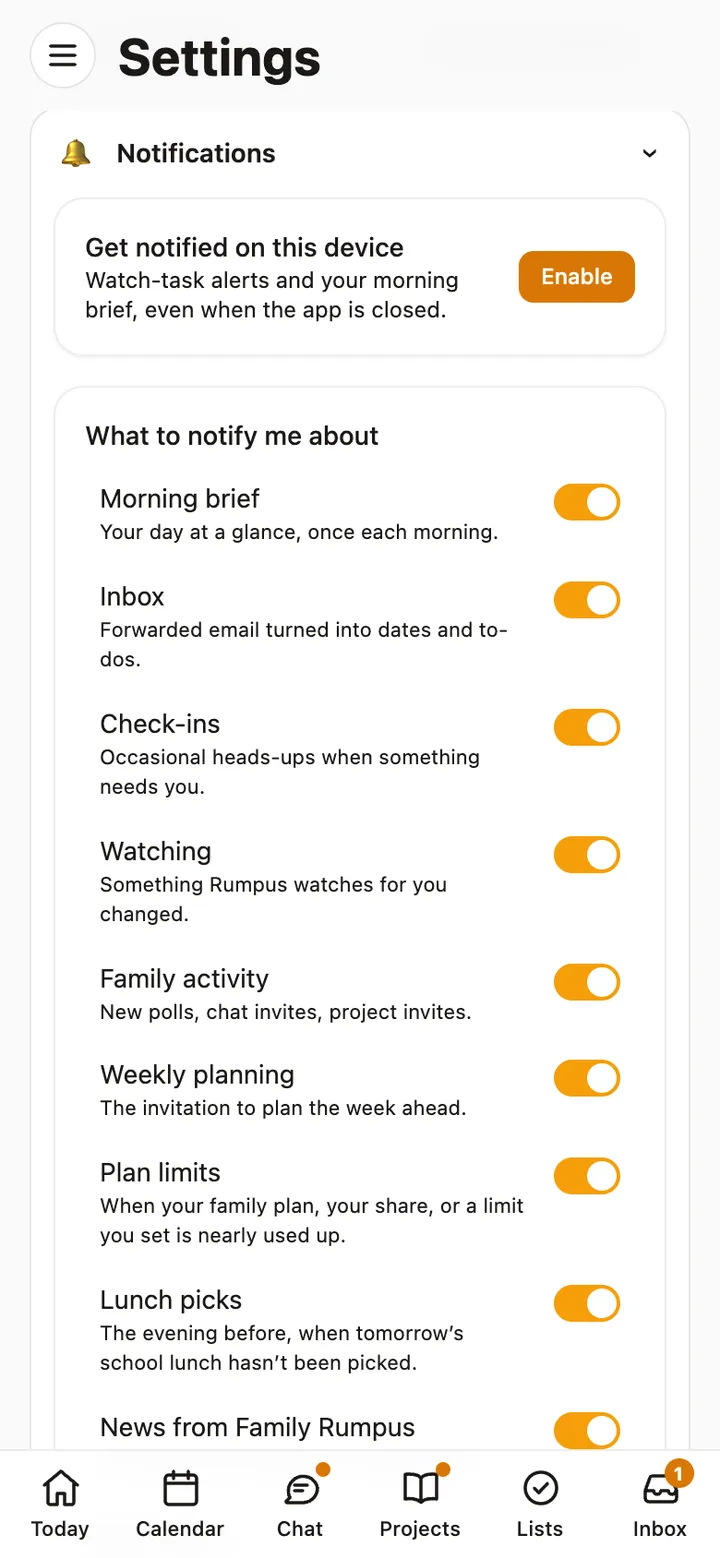
Notifications and quiet hours
Choose what Rumpus tells you about, on each device, and when it should stay quiet.
Read the guide →
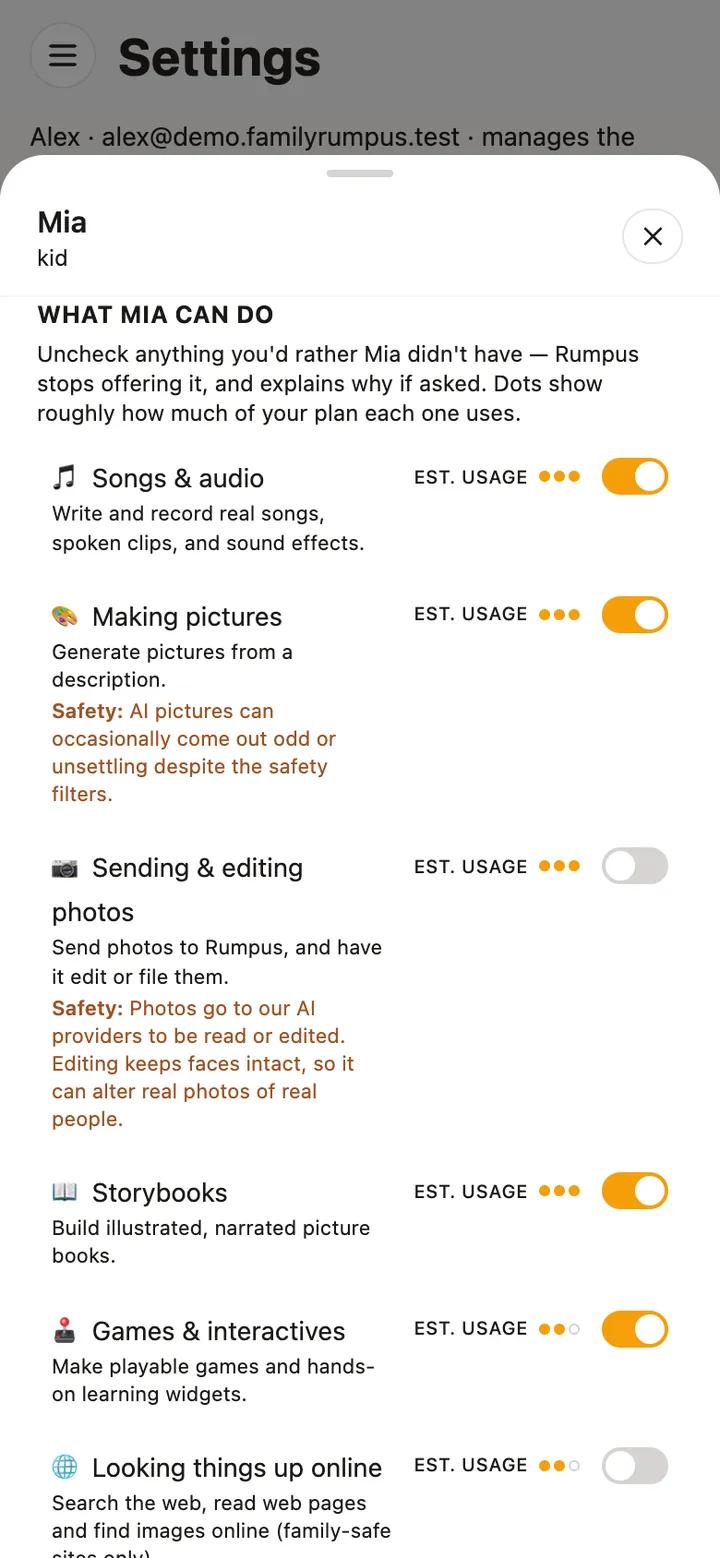
Parental controls
Decide what each child can use, set ground rules Rumpus follows with them, and read their chats when you need to.
Read the guide →
Quick answers
The usual questions.
- How do I sign in?
- Enter your email on the sign-in page and we send you a code (and a link). There is no password to forget.
- How do I turn on notifications on my iPhone?
- In Rumpus, open Settings → Notifications and tap Enable, then allow them when iPhone asks. If you said no before, turn them on in the iPhone's own Settings → Notifications → Rumpus. You can choose which kinds you get, and set quiet hours, in the same place in Rumpus. See the guide.
- How do I set rules for a child?
- Settings → Family & members → tap their name. Each switch turns a feature on or off for that person, and grown-ups decide everything a child can use. See the guide.
- How do I cancel?
- Settings → Plan & usage → Cancel plan. Your plan runs to the end of the month you’ve paid for, then stops.
- How do I download or delete our data?
- In Settings, Export everything gives you a copy of what your family made. Delete family & cancel account removes every chat, picture, memory and file, along with the keys that could ever read them.
- Something isn’t working right.
- In Rumpus, open the ☰ menu and tap Send feedback: it tells us which screen you were on. Or email us at the address above with what you tapped and what happened.
The details are in the Privacy Policy and the Terms of Service.